
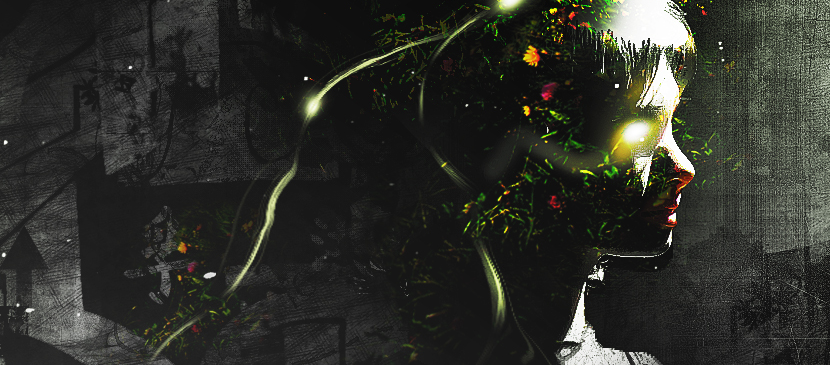
In this tutorial, it will show you the process of creating this create an intriguing manipulation by adding Grungy Effects and Greens into an Image in Photoshop. This will be an interesting experiment for you to use tools such as image adjustment layers and layer blending modes, as well as practice the use of liquify filter and brush tool.
日本語: まだ 日本語 版の翻訳はありません。英語で見る — showing the original English article below.
Applying Grungy Effects and Green Elements into an Image
日本語
Photoshop Lady のおすすめ
専門家のガイド、レビュー、ヒントを受信箱にお届けします。スパムなし、いつでも解除可能。