
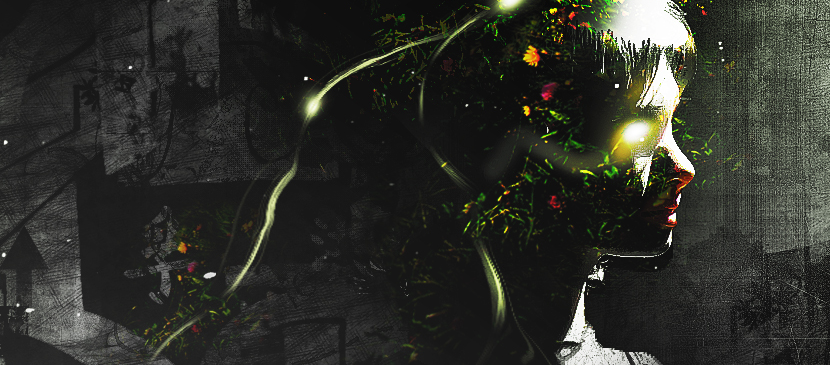
In this tutorial, it will show you the process of creating this create an intriguing manipulation by adding Grungy Effects and Greens into an Image in Photoshop. This will be an interesting experiment for you to use tools such as image adjustment layers and layer blending modes, as well as practice the use of liquify filter and brush tool.
Bahasa Indonesia: Belum ada terjemahan yang tersedia dalam Bahasa Indonesia.Lihat dalam bahasa Inggris — showing the original English article below.
Applying Grungy Effects and Green Elements into an Image
Bahasa Indonesia
Yang terbaik dari Photoshop Lady
Panduan ahli, ulasan, dan tips langsung ke kotak masuk Anda. Tanpa spam, berhenti berlangganan kapan saja.