
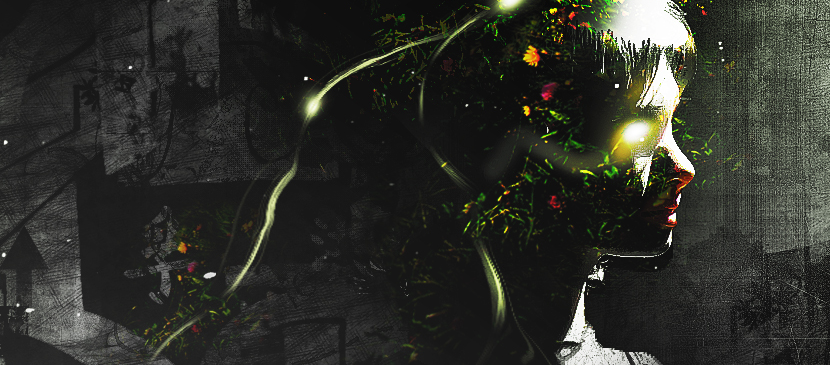
In this tutorial, it will show you the process of creating this create an intriguing manipulation by adding Grungy Effects and Greens into an Image in Photoshop. This will be an interesting experiment for you to use tools such as image adjustment layers and layer blending modes, as well as practice the use of liquify filter and brush tool.
Deutsch: Noch keine Übersetzungen auf Deutsch verfügbar.Auf Englisch ansehen — showing the original English article below.
Applying Grungy Effects and Green Elements into an Image
Deutsch
Das Beste von Photoshop Lady
Fachkundige Ratgeber, Tests und Tipps direkt in Ihrem Posteingang. Kein Spam, jederzeit abbestellbar.