
Featured tutorialUpdated · May 21, 2026
Best Web-Based Photo Editors for Quick Tasks in 2026
A pragmatic look at the best browser photo editors in 2026, including Photopea, Pixlr, Canva, Picsart Web, Polarr, Adobe Express, and Befunky.
Intermediate⏱ 5 minPhotoshop Tutorial
- Category
- Photoshop Tutorial
- Reading time
- 5 min
- Published
- Aug 11
before → afterPhotoshop Tutorial
2,226
tutorials
since 2008
since 2008
Browse by effect
See all tutorials →The craft, sorted.
2,024 tutorials
Photoshop Tutorial
Hand-picked walkthroughs · step-by-step craft.
→
863 tutorials
Photo Effect
Hand-picked walkthroughs · step-by-step craft.
→
575 tutorials
Drawing Effect
Hand-picked walkthroughs · step-by-step craft.
→
272 tutorials
Text Effect
Hand-picked walkthroughs · step-by-step craft.
→
95 tutorials
Uncategorized
Hand-picked walkthroughs · step-by-step craft.
→
95 tutorials
General
Hand-picked walkthroughs · step-by-step craft.
→
Photoshop Tutorial
Best Open Source Image Editor 2026: GIMP, Krita, Darktable Compared
Photoshop Tutorial
Best Free Photo Editing Apps for iPhone and Android in 2026
Photoshop Tutorial
Best Free Photoshop Alternatives for Hobby Designers in 2026

Photo Editing
Automating Photo Edits with Actions and Batch Processing

Photoshop Tutorials
How to Batch Resize Images in Photoshop

Equipment
Best Pen Tablets and Displays for Designers
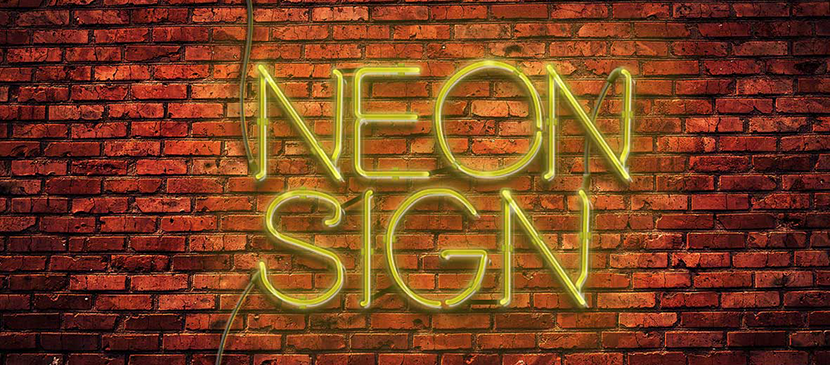
Photo Editing
Mastering Curves for Color Grading

Equipment
Top Monitors for Photo Editing Professionals

Design Resources
Best Websites for Free Design Mockups

Photo Effect
Creating a Double Exposure Composite
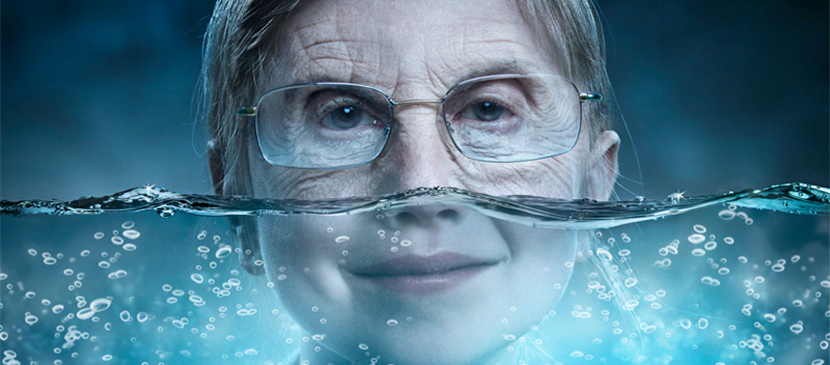
Photo Editing
Photoshop Blend Modes Explained
Newsletter
One tutorial. Every Sunday. That's it.
No roundups, no sponsorships shoved in your face. Just one carefully-chosen effect with the technique breakdown. Straight from the 2,226-tutorial archive.