
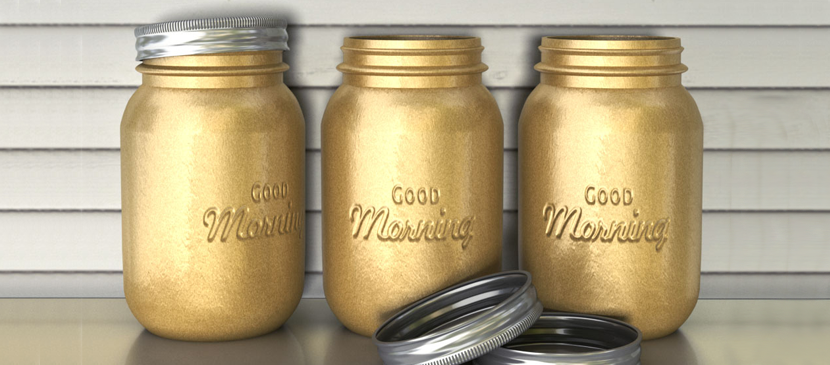
In this tutorial, you will learn how to use Photoshop CC’s 3D capabilities to create a mason jars-inspired jar from scratch. Then, you’ll modify its material Settings to give it a golden metallic spray painted appearance, and add some embossed text on it using Bump maps. You’ll then add the jar(s) created to a simple scene, and modify the final outcome in a couple more steps.
हिन्दी: अभी हिन्दी में कोई अनुवाद उपलब्ध नहीं है।अंग्रेज़ी में देखें — showing the original English article below.
Making a 3D Golden Text Printed on the Jar
हिन्दी
Photoshop Lady का सबसे अच्छा
विशेषज्ञ गाइड, समीक्षाएँ और टिप्स सीधे आपके इनबॉक्स में। कोई स्पैम नहीं, कभी भी सदस्यता रद्द करें।