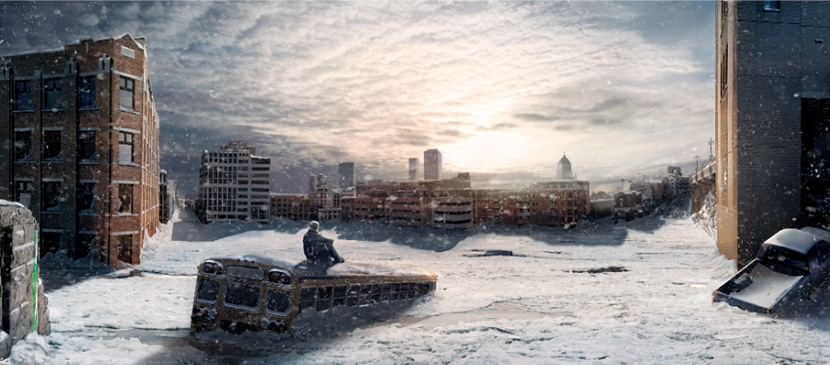
This is a two-part tutorial. This first part shall start with techniques of shooting the needed photos, then go on with manipulations of making batch adjustments in Camera Raw, automatic alignment and merging. After working on correcting the perspective, fixing the imperfections, and filling the transparency holes, this tutorial shall finish with cropping and adding the final touches.