
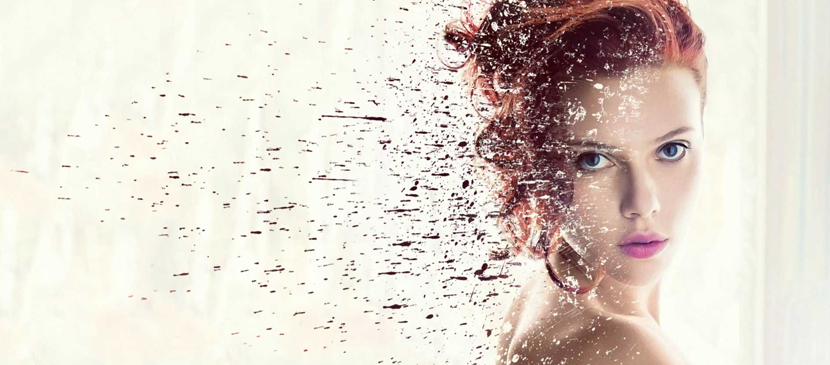
The dispersion effect is relatively straight forward in Photoshop CC but can be tricky to get right. The basic idea is to separate the subject from the background and then create a copy of the subject layer. One of the subject layers is then morphed using the Liquify tool to nearly fill the entire frame.
日本語: まだ 日本語 版の翻訳はありません。英語で見る — showing the original English article below.
Dispersion Effect for your Image in Photoshop
日本語

Photoshop Lady のおすすめ
専門家のガイド、レビュー、ヒントを受信箱にお届けします。スパムなし、いつでも解除可能。