
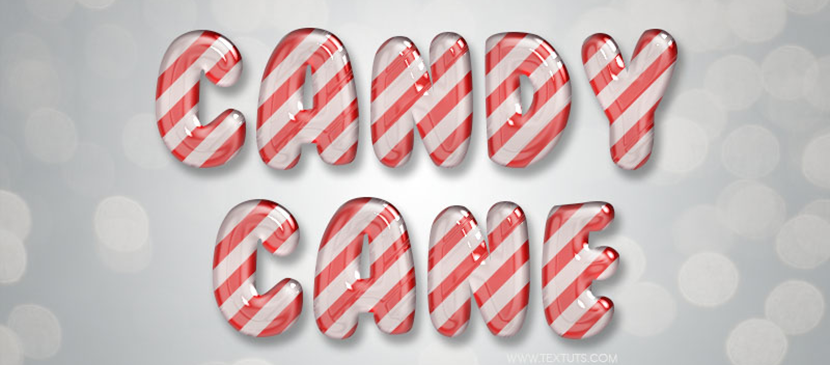
This tutorial will show you a super easy way to create a glossy candy cane inspired text effect using a bunch of Layer Styles. The effect is fully editable, so you can change the text it’s applied to any time without the need to recreate the effect itself.
Bahasa Indonesia: Belum ada terjemahan yang tersedia dalam Bahasa Indonesia.Lihat dalam bahasa Inggris — showing the original English article below.
How to Create a Candy Cane Text Effect
Bahasa Indonesia

Yang terbaik dari Photoshop Lady
Panduan ahli, ulasan, dan tips langsung ke kotak masuk Anda. Tanpa spam, berhenti berlangganan kapan saja.