
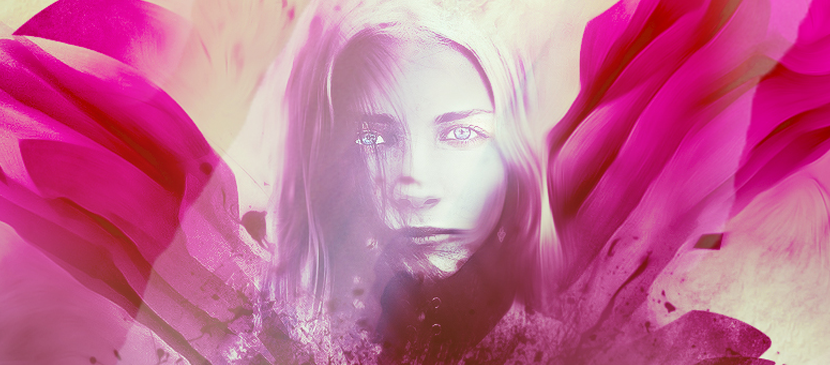
To beautify your photo, you can simply add some photo effect to do it. This tutorial will show you the processes to create this unique photo effect with abstract brushes and coloring techniques in Photoshop. We will also go through some interesting layer blending and filter tricks, to achieve the final effect.
Bahasa Indonesia: Belum ada terjemahan yang tersedia dalam Bahasa Indonesia.Lihat dalam bahasa Inggris — showing the original English article below.
Adding Fantastically Colorful Effect for Your Image
Bahasa Indonesia
Yang terbaik dari Photoshop Lady
Panduan ahli, ulasan, dan tips langsung ke kotak masuk Anda. Tanpa spam, berhenti berlangganan kapan saja.