
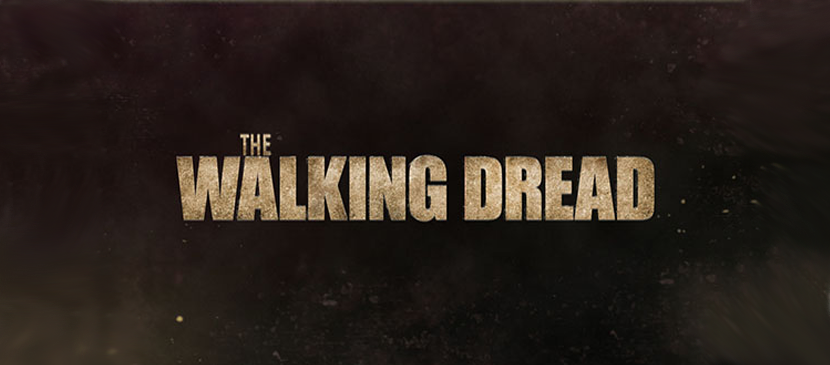
Layering textures and brushes can give detail and depth to simple designs, making them look more interesting. This tutorial will show you how to do that, with the help of some blur filters and simple layer styles, in order to create a nice grungy text effect in Adobe Photoshop.
العربية: لا توجد ترجمات متاحة بعد بـالعربية.عرض بالإنجليزية — showing the original English article below.
Making a Wonderful Grungy Text Effect
العربية
أفضل ما في Photoshop Lady
أدلة ومراجعات ونصائح متخصصة مباشرة إلى بريدك الإلكتروني. بدون رسائل مزعجة، يمكنك إلغاء الاشتراك في أي وقت.